Some board jobs are always the same: tick a card, drag it to Done, tidy it away a week later. Automations do those small jobs for you. There's no rule builder to learn: each board has five ready-made rules, and every one is off until you switch it on. Automations are part of the Family plan.
Switch one on
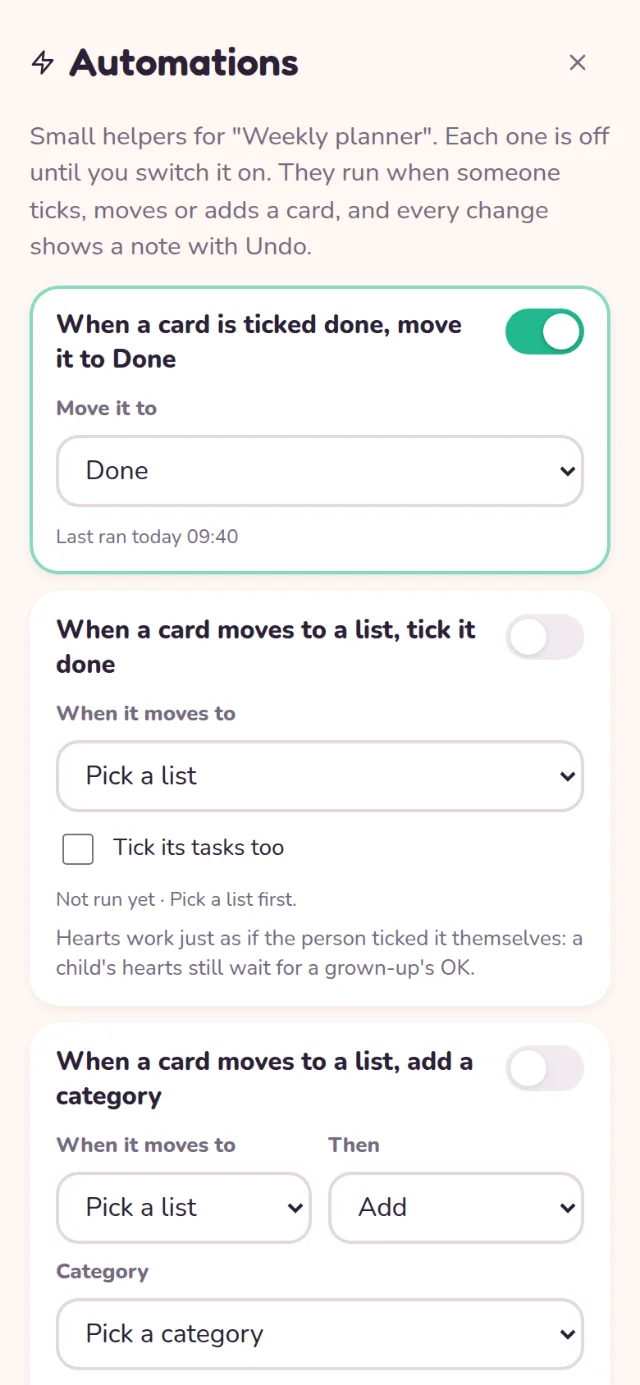
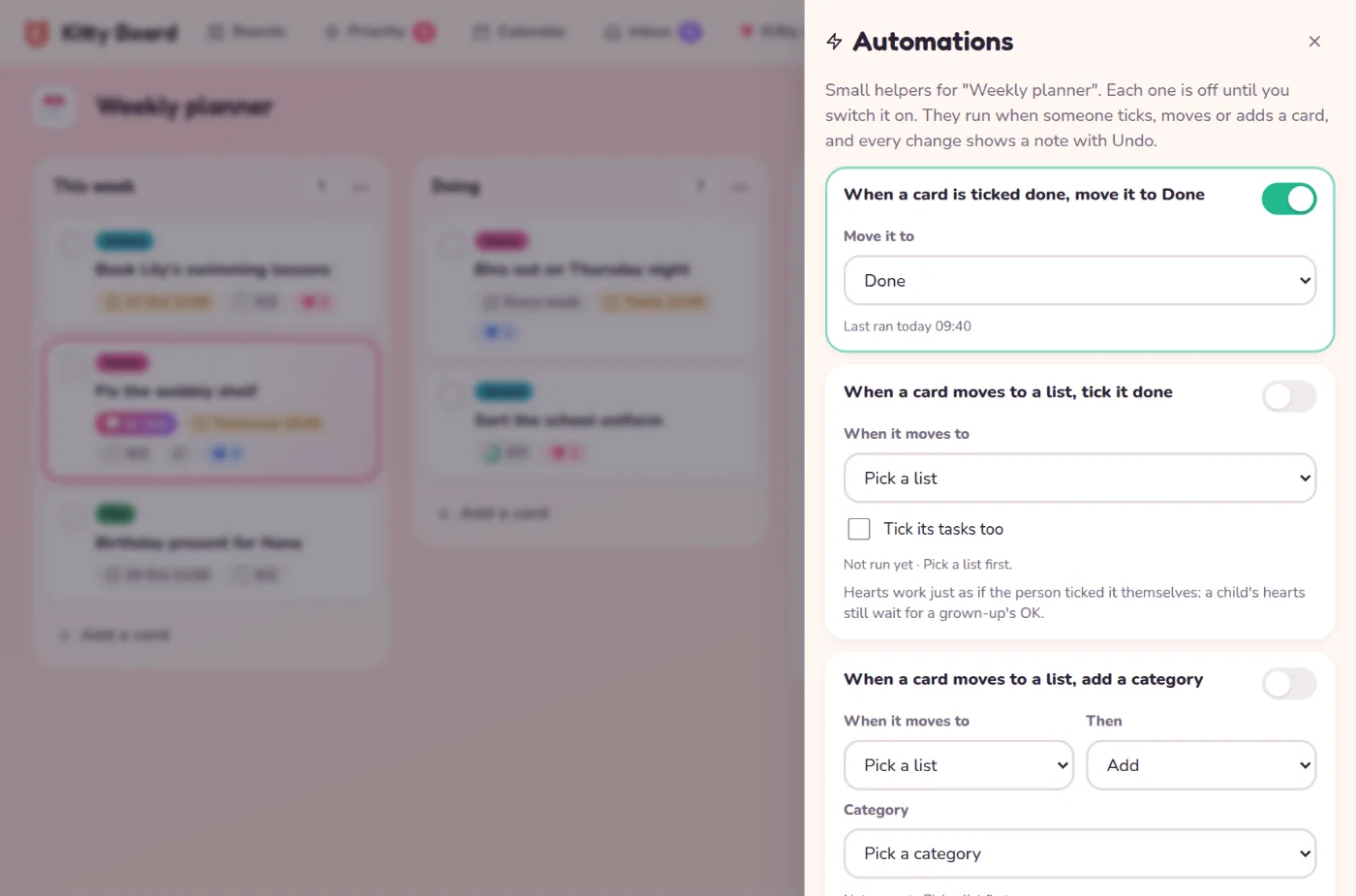
- Open a board, tap ⋯, then Automations.
- Pick the list (or category, or number of days) in the rule you want. The sentence at the top changes to match, such as "When a card is ticked done, move it to Done".
- Flip its switch on. That's it: the board saves it for everyone.
The five rules
- When a card is ticked done, move it to a list you choose, such as Done.
- When a card moves to a list, tick it done, and its tasks too if you like.
- When a card moves to a list, add or take off a category.
- Archive cards that have been done for 7, 14 or 30 days. This happens overnight, counting from the last change to the card.
- When a card is added to a list, make it due today, tomorrow or in 7 days.
No surprises
- Every automatic change shows a note on the screen, such as "Bins out": moved to Done by automation, with Undo. The card remembers it too.
- Archived cards are never deleted. They wait in the board's Archived cards and lists, ready to restore.
- An automatic tick never moves a card again, so two rules can't pass a card back and forth.
- If a rule's list is archived or deleted, the rule switches itself off and tells you why.
Children never see the Automations screen, but their ticks and moves can set a rule off on boards they can edit. A tick by a rule counts just like their own tick: their hearts still wait for your OK. Rules never spend or approve hearts, and the archive rule leaves cards with hearts waiting for an OK alone.
On the free plan
Automations show a small lock. If your family goes back to Free, your rules are kept just as they are and the screen says Paused on the free plan. Nothing runs until you upgrade again. More in Plans and upgrading.