A jobs board is a good start. With a little help, the same board becomes a place where your child plans their own week: homework, clubs, a project, a goal of their own. Here's a simple way to set it up. Ten minutes on a Sunday is plenty.
1. Make their board together
- Sit down with them and tap New board (or let them do it on their own device).
- Call it something they like, such as My week, and let them pick the icon and colour. On their own device, children get a big picker with boards made for them: My week, School and homework, My goals, Saving up for… and My room and jobs.
- Tick Rewards so their jobs can carry hearts.
2. Keep three lists
A blank board starts with To do, Doing and Done. That's all most children need. Younger ones may like Morning, After school and Done instead.
3. Turn big things into small cards
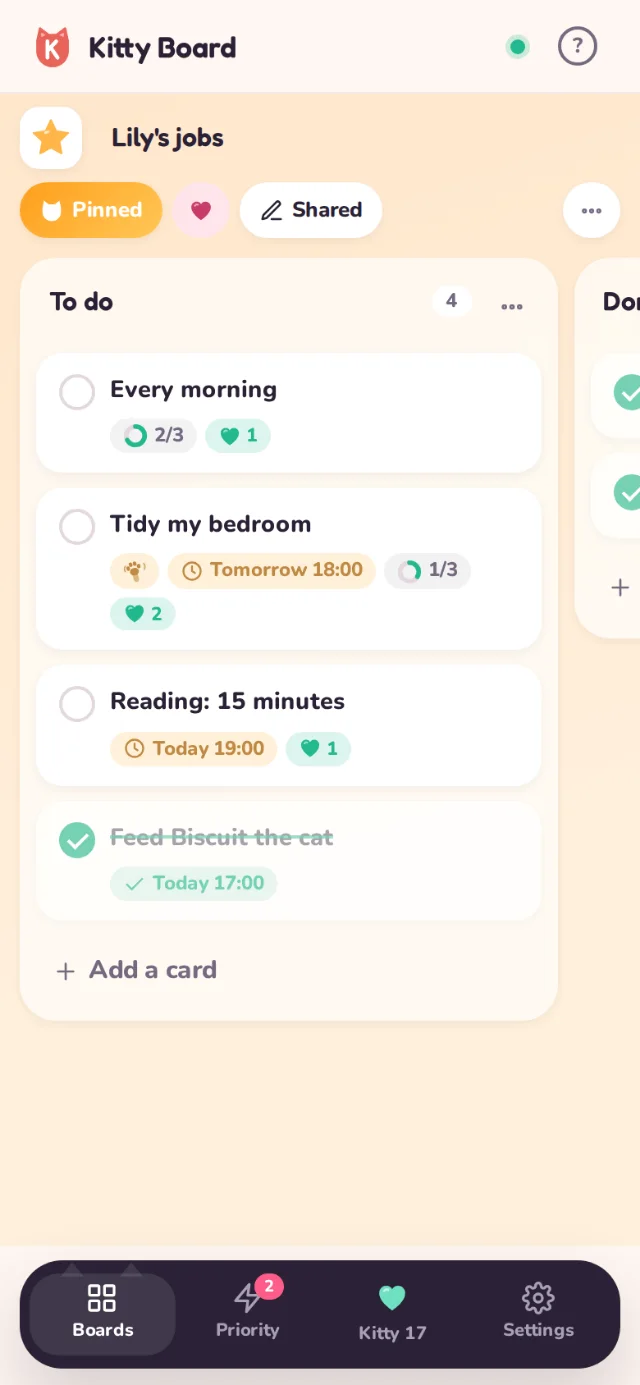
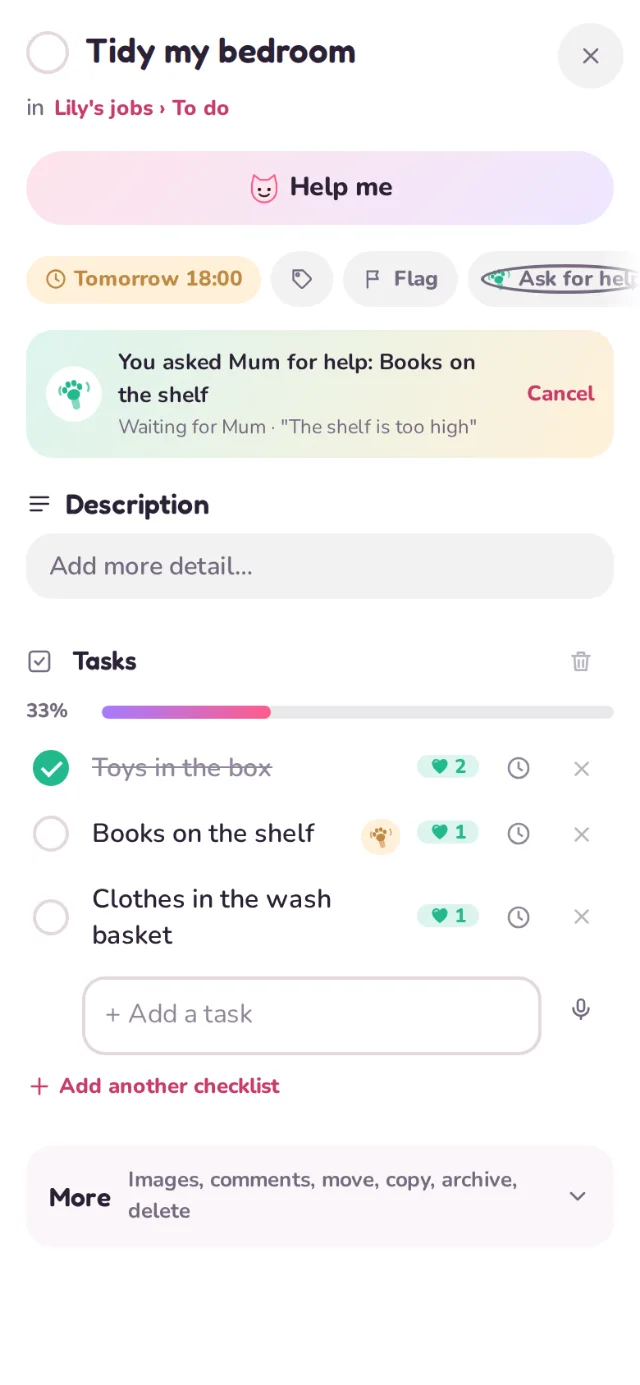
Ask "what's coming up this week?" and put each thing on a card. If something feels big, open the card and add tasks: the little steps they can tick one by one.
- Spelling test on Friday: practise the list Monday, ask someone to test me Wednesday, one last go Thursday.
- School project: choose a topic, find three facts, draw the picture, stick it all down. Give each task a due date before hand-in.
- A goal of their own: read 10 books this term (one task per book), or learn a song, a verse a week.
Smaller is better. If a card sits in To do all week, it is probably too big. Split it.
4. Hearts for the effort
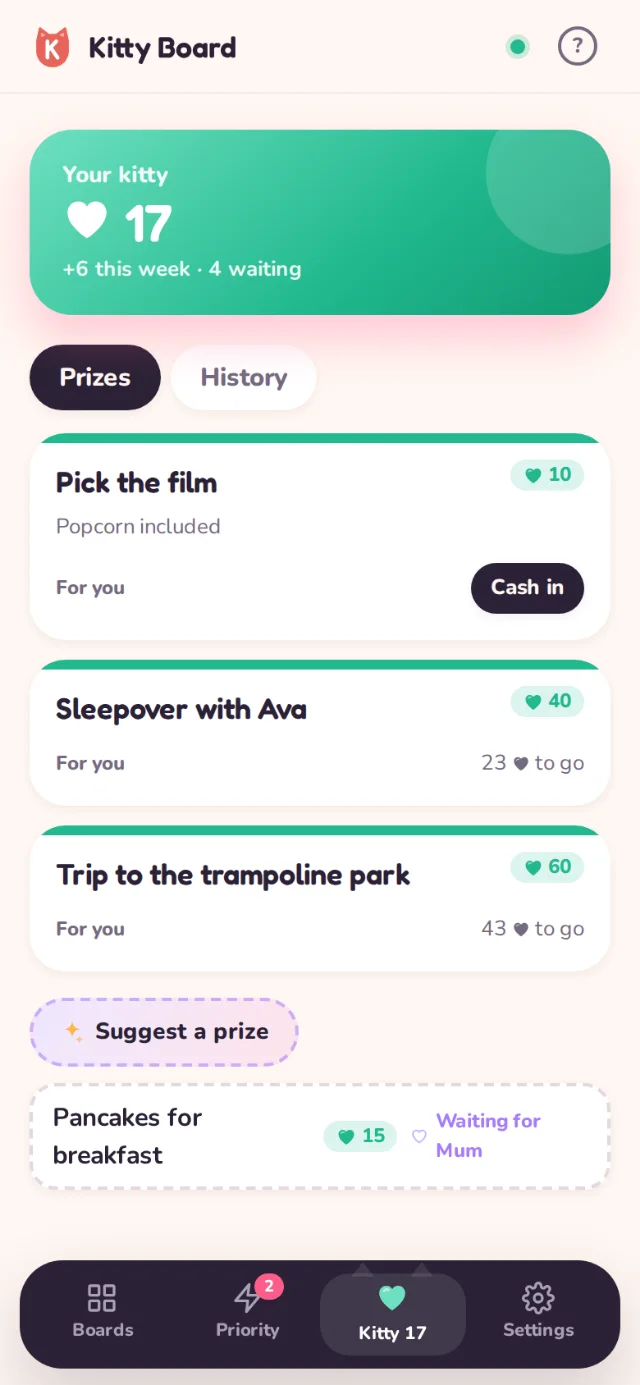
Put hearts on the cards and tasks (1 to 5). Put more on the hard bits, not just the big ones, so trying is what earns. Agree a prize they want to save up for, or let them suggest one. They can also tap Ask for hearts on a card they made, and you choose how many.
Everyday jobs like Make my bed can repeat: the ticks clear overnight, the hearts can be earned again, and the card counts how many days in a row.
5. Let them do the moving
Through the week, they drag cards to Doing and tick them off. You see finished jobs on your home screen and say OK or Not yet. If they're stuck, they tap I need a hand on the card.
6. Look back each week
- Look at Done together. Name one thing they're proud of.
- Check the Kitty Jar: how close is the next prize? History shows every heart that came in.
- Archive the done cards and add next week's. Nothing is lost; archived cards can come back.
As they get older, do less. A seven-year-old plans with you; a thirteen-year-old may only want you to approve the hearts.
Only your child, their guardians and grown-ups a guardian lets see them see their Kitty Jar and prizes. See Who can see my child.