The first time a child signs in on their own device, Kitty Board says hello and helps them set up in about a minute. One thing per screen, big buttons, and they can skip at any point.
The start, step by step
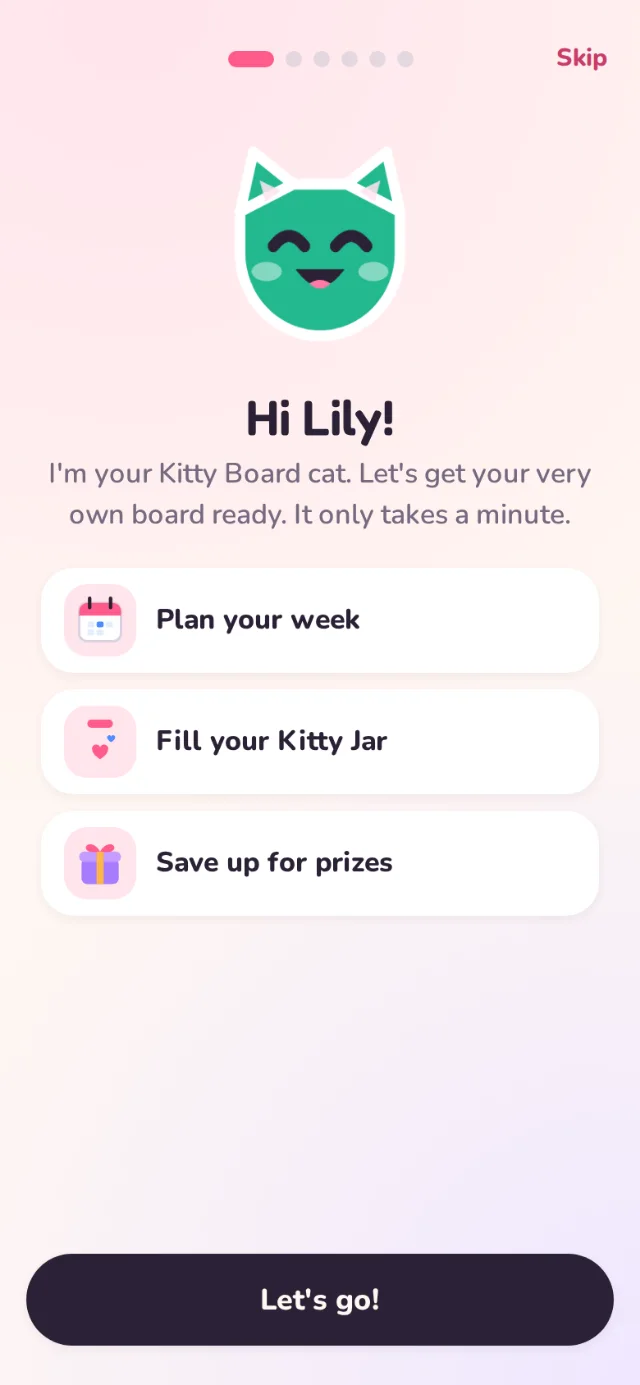
- Hi! Their cat says hello: plan your week, fill your Kitty Jar, save up for prizes.
- Make me yours. They design their cat: ears, colour, eyes and something to wear.
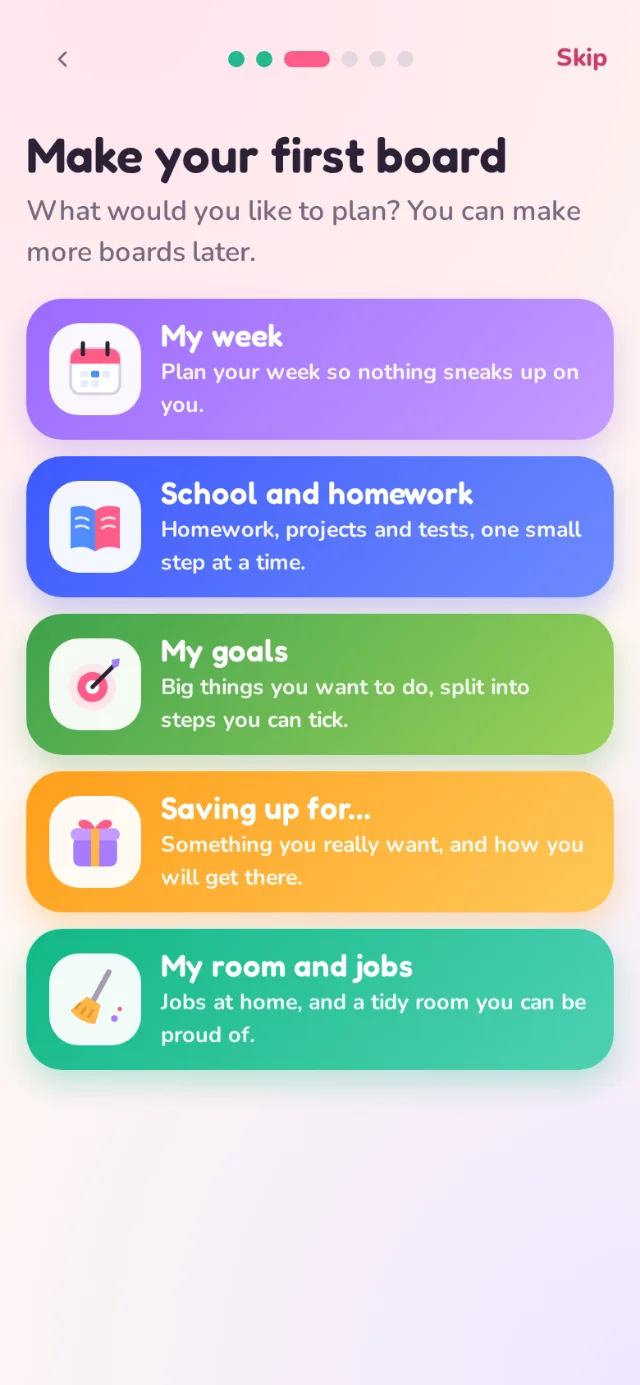
- Make your first board. Boards made for children: My week, School and homework, My goals, Saving up for… and My room and jobs.
- Pick 3 things to do. They tick ideas for their board, or type their own.
- What would you like to save up for? They pick a reward idea or write one, and send it to you. You decide how many hearts it costs.
- You're all set! A little party and their first sticker.
Their progress is saved as they go, so if they stop halfway it picks up where they left off, on any device. It never shows again once finished or skipped. To see it again, they tap Start again in their Settings; their boards stay as they are.
The reward they suggest shows on your home screen. Say yes and set the price, or not now. On the Free plan, an idea doesn’t count towards your three prizes until you say yes.
A home made for them
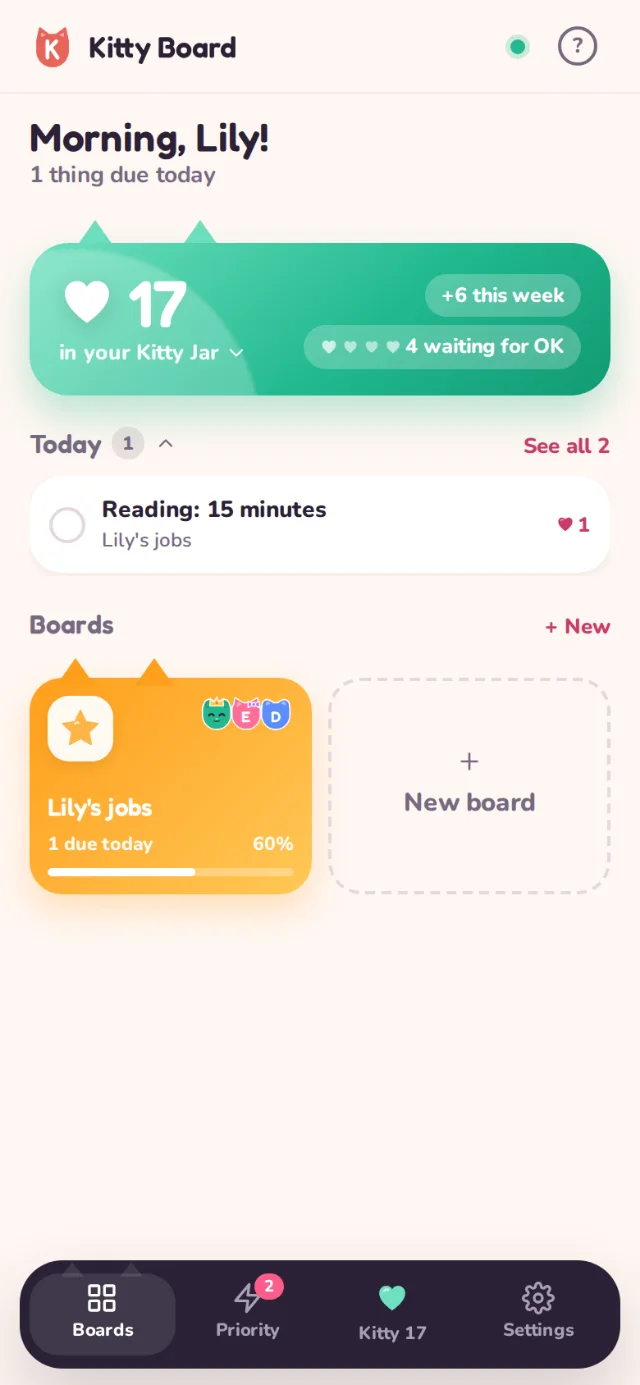
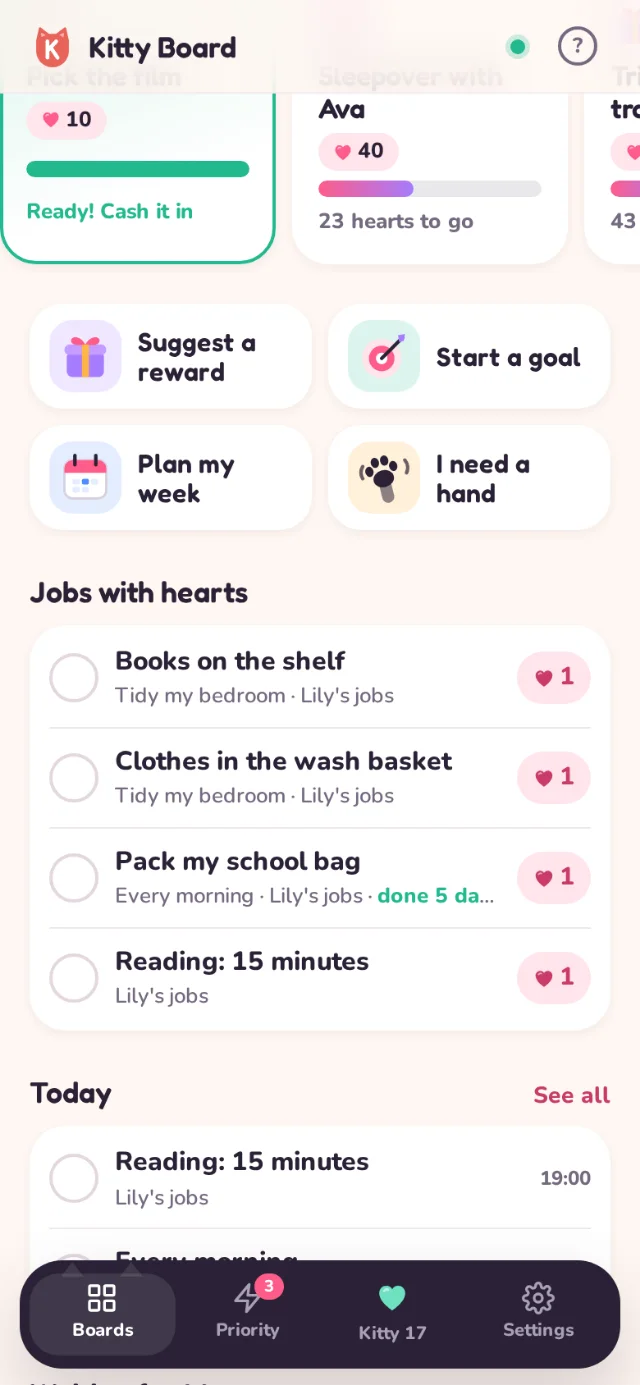
After the start, your child's home is all theirs:
- Their cat, with something to say, and a gentle streak: "5 days in a row!" when they finish something each day.
- Their Kitty Jar, how many hearts to go for the next prize, and what's waiting for your OK.
- My prizes, each with a bar showing how close they are.
- Big buttons to Suggest a reward, Start a goal, Plan my week and I need a hand.
- Jobs with hearts, Today, Cheers for you, their boards and My stickers: they get a sticker every time they finish something.
Asking for hearts
Children can't put hearts on jobs themselves. On a card on their own board, they tap Ask for hearts and add a note if they like. You see it on your home and choose 1 to 5 hearts, or not this time.
Their own Settings and help
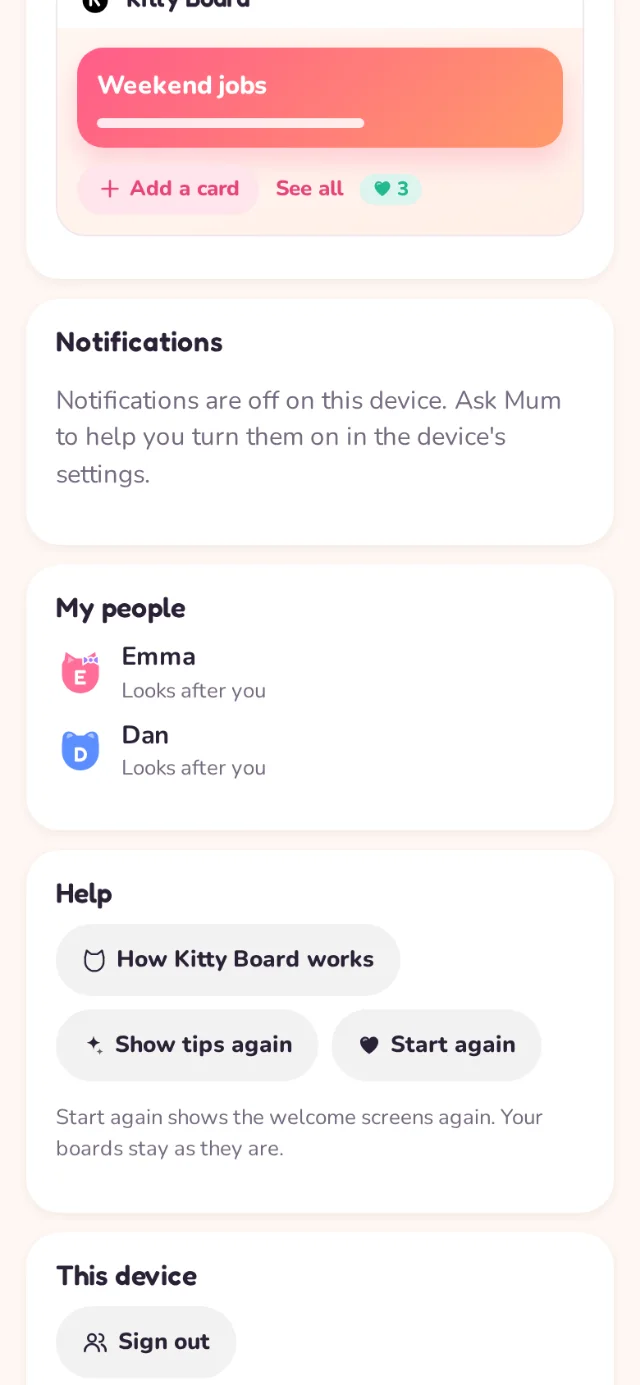
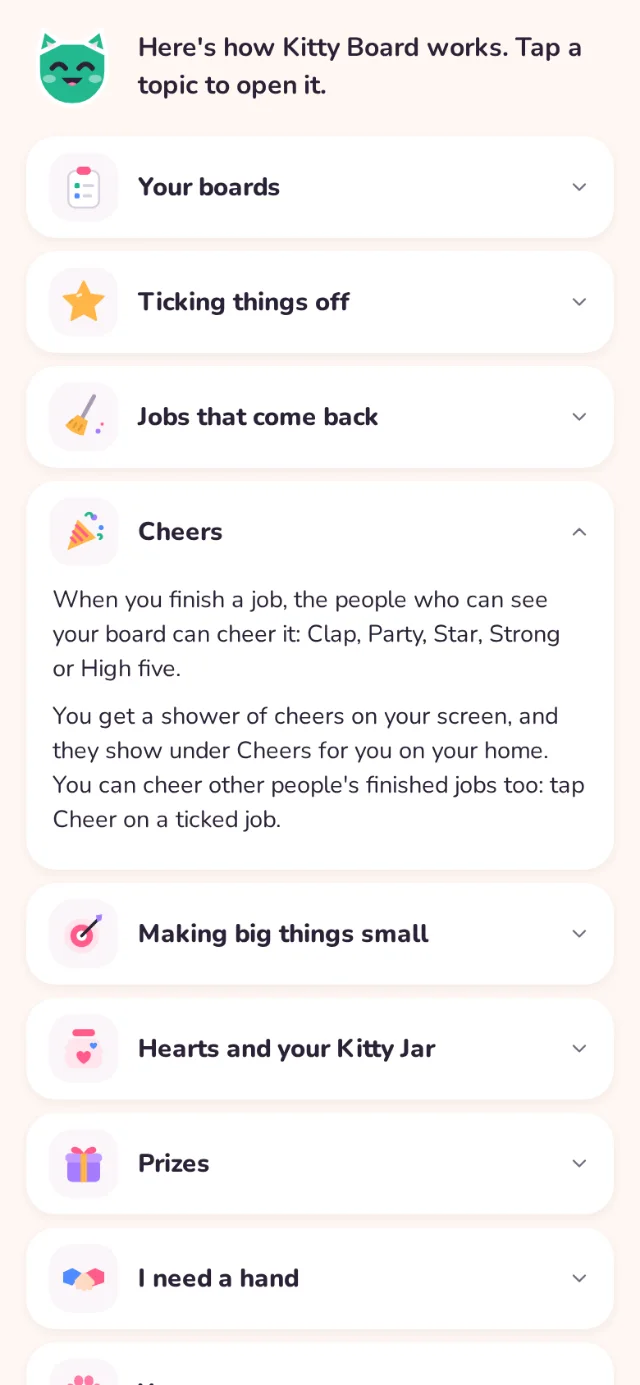
A child's Settings has just their cat, colours, notifications, My people (who they can see, and why), help written for them, Start again and Sign out. No email address, no plan and nothing grown-up.